
Philippines: essential apps and practical travel tips
After spending two months in the Philippines, we picked up plenty of tips for getting around and handling everyday life. Apps, cash withdrawals, SIM cards and transport: we’re sharing our practical advice to help you plan your trip, avoid unpleasant surprises and save some money.
Which apps should you download for the Philippines?
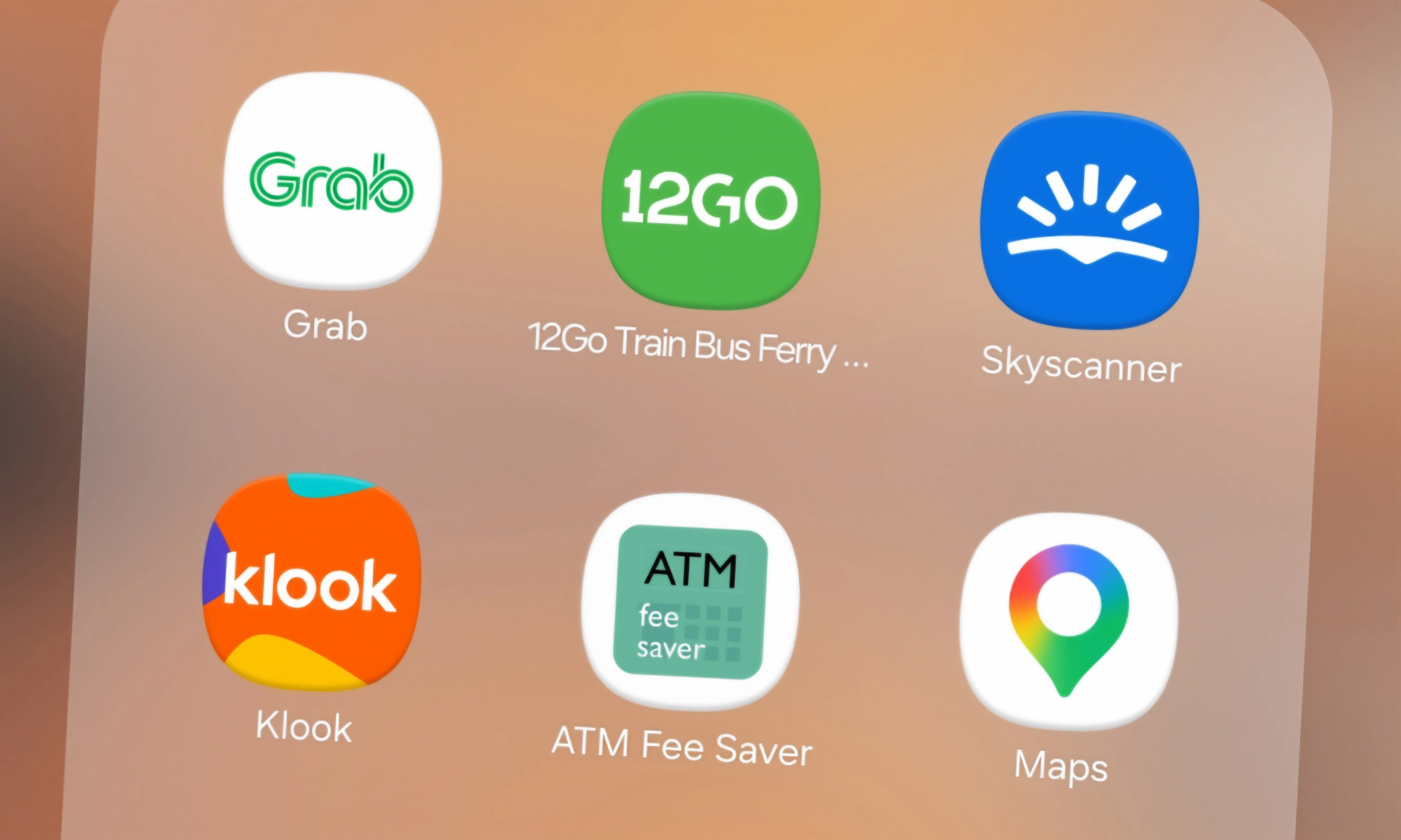
Grab: book a car without negotiating the fare, especially in Manila and Cebu. Also handy for food delivery.
12Go: compare and book ferries, buses and transfers. Remember to check prices on the operators’ official websites too.
Skyscanner: compare domestic flights, often needed to travel between islands. Check airline prices with baggage included as well.
Klook: we used it to book excursions and activities. Handy for comparing options and reading traveler reviews.
ATM Fee Saver: find ATMs and compare withdrawal fees and limits.
Google Maps: find your way around, discover restaurants and locate ports. Download offline maps before heading to smaller islands.
How to pay and withdraw cash in the Philippines?
The local currency is the Philippine peso (PHP). In the Philippines, expect to pay almost entirely in cash. In two months, we were only able to pay by card a handful of times!
With our Revolut card, we preferred HSBC ATMs, which charged us no ATM withdrawal fee. Unfortunately, they are uncommon and mainly found in large cities such as Manila and Cebu.
Otherwise, we used BPI or BDO Unibank, the alternatives that charged us the lowest fees. Use ATM Fee Saver to compare ATMs. On smaller islands, fees are often hard to avoid, so bring enough cash.
Finally, decline the ATM’s currency conversion and always choose to withdraw in PHP. Fees and limits may vary depending on the bank and your card.
Which SIM or eSIM should you choose in the Philippines?
We used Smart and Globe. Both worked quite well, although coverage was sometimes limited on certain islands.
We recommend a local SIM card, which is generally affordable. With the Smart and Globe apps, you can top up your data plan without returning to a shop. Bring your passport for mandatory registration.
An eSIM such as Airalo is a convenient alternative for getting online as soon as you arrive, but compare prices first.
How to get around the Philippines?
In big cities, we recommend Grab. On the islands, tuk-tuks and tricycles are common, but we mainly chose to rent scooters, which we found the easiest way to explore independently, provided you have the appropriate license and valid insurance.
Between islands, you’ll mainly use ferries or domestic flights, sometimes connecting through a city such as Cebu. Compare routes on 12Go and flights on Skyscanner.
Watch out for delays and cancellations, especially due to weather! We always left plenty of time between connections or spent a night in Cebu before setting off the next day.
What mistakes should you avoid in the Philippines?
Heading to an island without cash: ATMs may be scarce and fees high.
Taking a taxi without checking the fare: use Grab or ask for the meter.
Scheduling too many connections: leave plenty of time to avoid missing your next transport.
To discover another side of the Philippines, explore our travel stories and recommendations from across the country.